Mac Terminal Color Setup
Mac uses Z shell (also known as zsh ) as the terminal. However,one painful thing about this is that it can't highlight important info, which makes it difficult for users to spot critical info at first glance. You can set up color for the terminal with Oh My Zsh(an open source, community-driven framework to manage zsh configuration), and I will show how to do this in simple steps.
Installation
Open the terminal and execute the following command to install "Oh My Zsh"
sh -c "$(curl -fsSL https://raw.githubusercontent.com/ohmyzsh/ohmyzsh/master/tools/install.sh)"
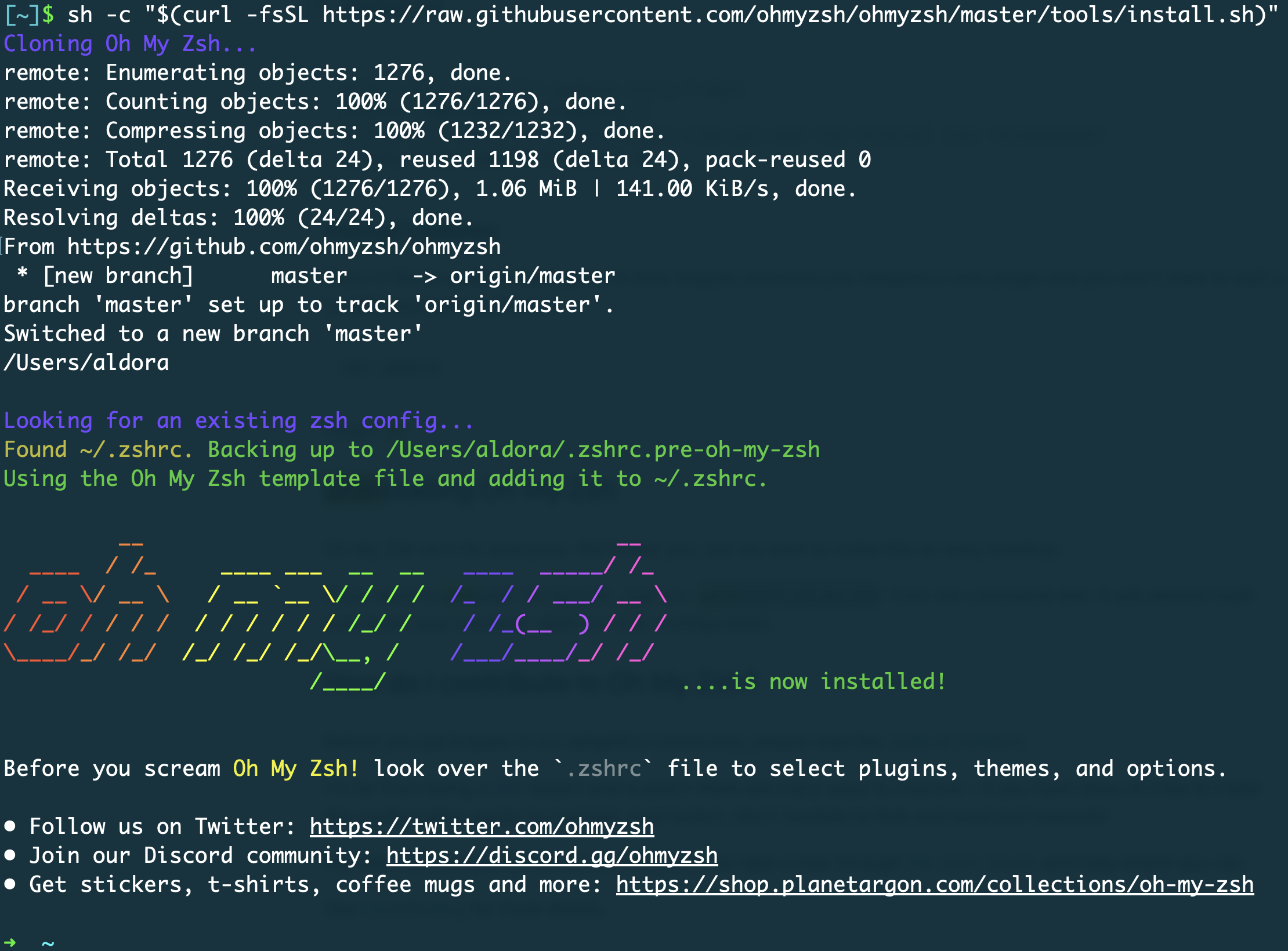
If it is successfully installed, your terminal would be like this:
Choose the Theme
Once you install the plugin, you can choose a theme you like(the default theme is "robbyrussell"), you can check all themes here. For example, you want to change the theme to "gallois":
- Execute
vi ~/.zshrcin terminal to view the zsh configuration - Scroll down and you will see a line
ZSH_THEME="robbyrussell, change the "robbyrussell" to "gallois".(If you don't know how to edit withvi, you can check this) - Close and reopen the terminal, now, the new theme is in effect.
Caution: Rewrite your file ~/.zshrc (if you have zsh configuration before installing "oh my zsh")
"oh my zsh" overrides the zshrc config file after it backs up it at ~/.zshrc.pre-oh-my-zsh, so you can see your other configuration in this file. You can copy the content in ~/.zshrc.pre-oh-my-zsh to ~/.zshrc so you won't lose all your zsh configuration.
Uninstall(if you need)
Execute uninstall_oh_my_zsh to uninstall it.
- You can view more information about "oh my zsh" at their GitHub page